You are here: »
Home » Posts filed under Google
Hi Friends,What's Going on?When you have no Internet Connection or Your Internet Connection is Fail by Some Reasons and You want to access Google Docs Files then What will you do????No worry, Today I am Going to telling you a Easy Method to Access Google docs Files Without Internet Connection.
---------------------------------------------------------------------------
Click here for more interesting stuff
---------------------------------------------------------------------------
 H! Friends At first Marry Christmas to Every budy. Today i am going to tell you some cool and interesting google tricks.These tricks are not a hack but some is very cool and some is very funny.So here is these.
1)Here is first tricks.First go to Google. Then Type Google Gravity in search Engine and press Enter and go to first link and see magic.
2)Second is,at First go to Google . Then type Do a barrel roll in search Engine and press Enter and see what happen.
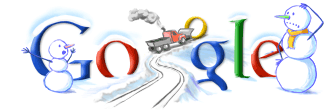
3)Go to Google. Then type Let it Snow in Search Engine and press Enter and Feel the cold.
4)Go to Google. Then type Recursion in Search Engine and press Enter and see fault of google.
If You Like This Comment On it.....
15 Useful Google Search Tricks
Most of us use Google search to search
on various topics, products, tips, etc. No doubt its one of the best
search engines available out there. In order to search something we
simply enter the keywords in the search bar and search for stuff but did
you ever know that there are several built in functions within Google
which makes searching stuff even easier.
Some of youll know about them.
But well if you dont, then here they are:
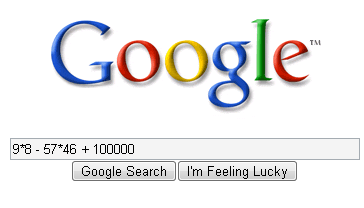
Google calculator:
Google
search can be used as a calculator. It can calculate anything from the
simplest math to the most complex equation. All you need to do is just
enter the math in the search box and hit enter. You can use the
following functions:
+ : add
- :subtract
* :multiply
/ :divide
:to the power of
sqrt : square root of a number
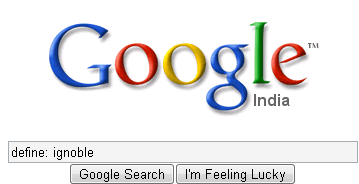
Dictionary Definitions:
You can define any word by entering “define:” following the word. For example define: ignoble
Google will display a list of dictionary definitions for that word.

Search for a specific title:
Suppose
you came across a great article which you really liked but
unfortunately forgot to bookmark it then you can find it easily with the
help of Google provided you know the title of the article. Heres how
you do it:
Lets say you read an article “Women talk three times as
much as men” then you can search for it by typing “intitle: Women talk
three times as much as men”
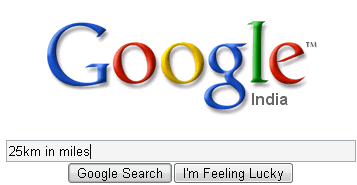
Google Convertor:
Using
this feature you can convert units like millimeter into inches,
kilometers into miles, liters into ml, etc. You can do so by typing 㢽km
in miles for converting km in to miles, 㣖litres in ml for converting
litres into ml, and so on.
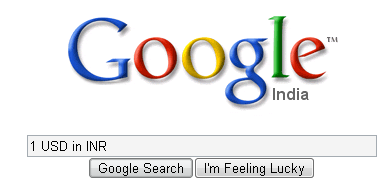
Compare currencies:
Googles
search has an inbuilt currency converter. It allows you to perform any
currency conversion. All you need to do is just enter the conversion
youd like done into the Google search box and hit “Enter” or click the
Google Search button. For instance: ֿ USD in INR”
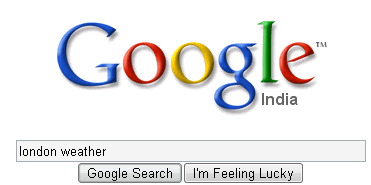
Weather Updates:
You
can easily know the weather condition of a specific place. In order to
find out, all you need to do is just enter the place name followed by
“weather”. For ex: “london weather”

Search for specific file types:
There
are various kinds of files available over the net. Searching for a
specific file type isnt really easy. But using this tip you can easily
search for a specific file type.
For instance if you want to search
for a guide, lets say a ‘Guide to Building a Successful IT Career in ppt
format. You can make use of the “filetype:” function. So in order to
search for the PPT version of the guide you can enter in search bar
‘Guide to Building a Successful IT Career filetype
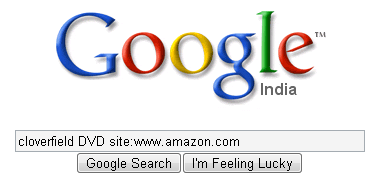
Search on a particular website:
If
you want to search for something from a particular site using Google
search then you can do so by using the “site:” feature. Heres how you do
it:
Lets say you want to search for cloverfield DVD on Amazon, you can do so by typing “cloverfield DVD site:www.amazon.com”
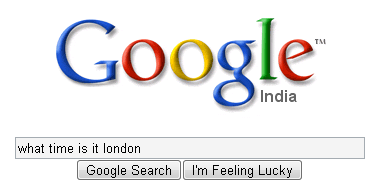
Get the local time anywhere:
Wanna
know what time is it in London now? You can ask Google by typing “what
time is it London” in the search bar. You can also enter “time
(location)” without the quotes.
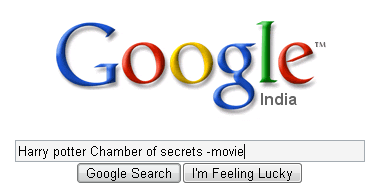
Remove unwanted search results:
Suppose
you wanted to search a Harry potter book review but you ended up in
getting reviews of the movie rather than the book. Well in this case you
can make Google to exclude the movie results from the search. You can
do so by adding “-movie” at the end of the term. For instance: “Harry
potter Chamber of secrets -movie” This will give search results
excluding the movie- The chamber of secrets.

Search for URLs:
You
can even search for URLs in Google search.For instance:
“Women_talk_three_times_as_much_as_men”. You can also use “.” “-”
instead of “_“. The search will bring up results with the URLs
containing the above words entered.
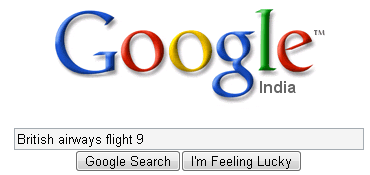
Track flight status:
You
can also track a particular flight status. All you need to do is just
enter the airline and flight number into the search box and hit enter.
Youll get the arrival and departure time of the flight right inside
Googles search results.
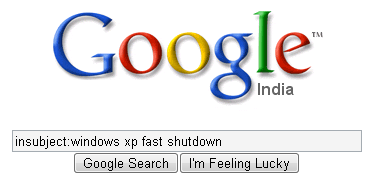
Search Google groups by the subject line:
You
need to be in the google groups search page before attempting this
query otherwise it might not work correctly. Using the “insubject:”
function you can search google groups by the subject line. For instance
“insubject:windows xp fast shutdown”
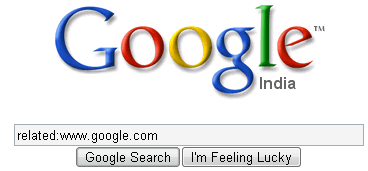
Find related sites:
Suppose
you find an interesting website and you would like to find some other
alternative to this site then you can do so by using “related:”
function. For instance if you want to search an alternative for
google.com you can do so by entering “related:www.google.com”
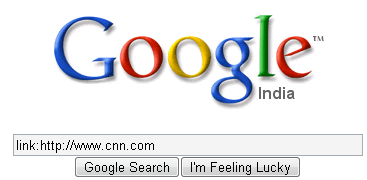
Find links to a specific URL:
You
can find the webpages which have a link to a specific URL using the
“link:” function. This is really great as it will help you if you own a
website, you can easily find out the pages linking to a page in your
site. To use it, you need to enter the whole URL after “link:”
For instance “link:http://www.cnn.com”
Well thats it for now, hope you liked them. If you know more feel free to mention them here.
Whois Lookup service:
You
can also search for information on a particular domain name. Just type
in “whois domain.com” and hit enter. Youll get to see the creation and
expiry dates of the domain.
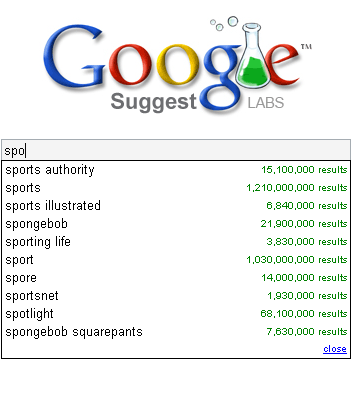
Suggests words, phrases and their results:
This
is really helpful if you arent able to spell a particular word or you
would like to know the results a particular word would contain when
searched


 Return to top of page
Copyright © | TwistIdea -All Rights Reserved
Return to top of page
Copyright © | TwistIdea -All Rights Reserved

